
Approvals
Requests go to the right people, with reminders, escalation and a record of every decision.
Dove365 builds Power Automate workflows that route requests in Teams, update the record and tell the right people, even against older systems with no connection.
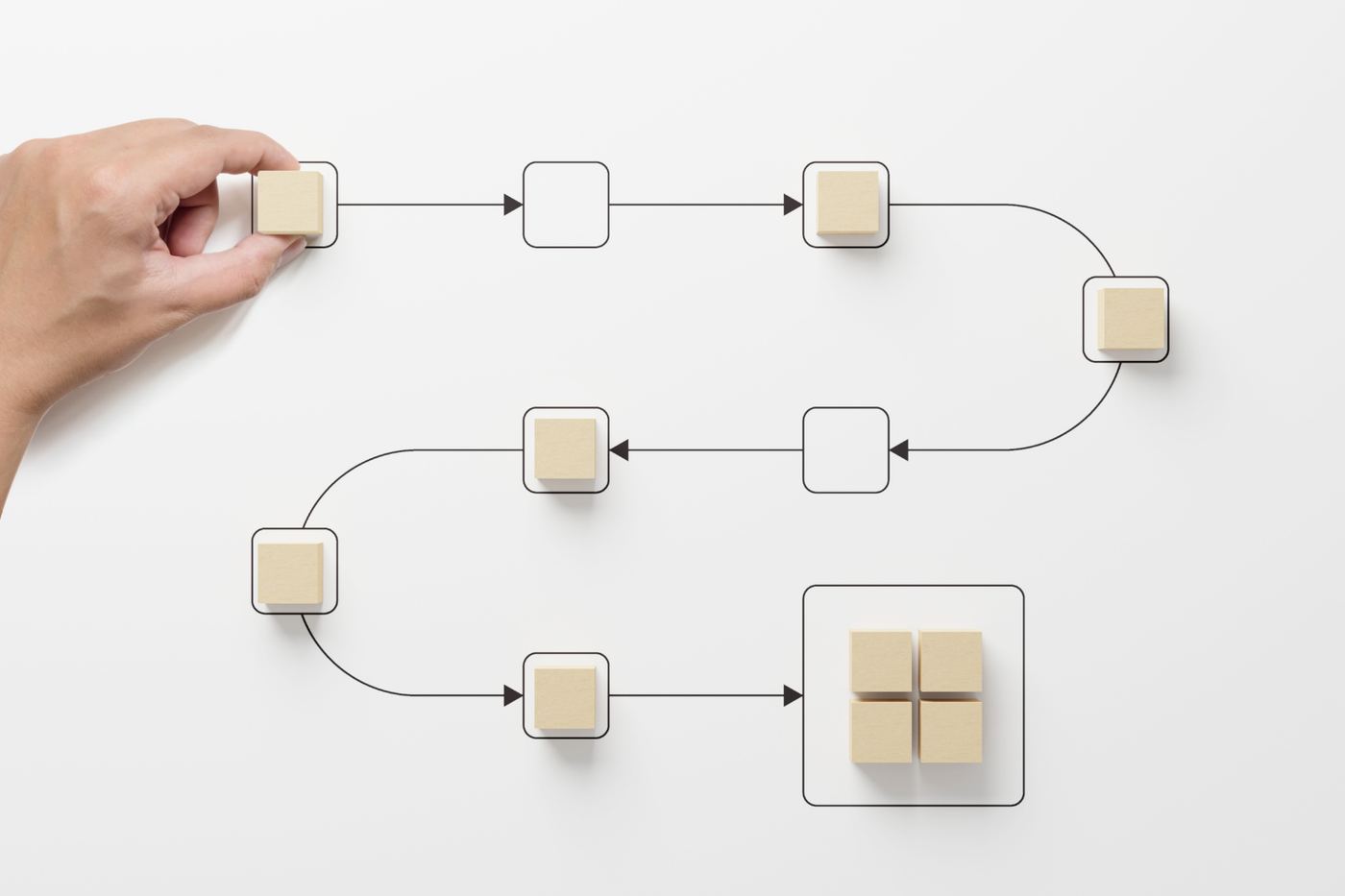
Something happens, the details are checked, the right people approve, the work is done, everyone is told and the outcome is recorded. Every time, whether it is Monday morning or midnight.
Automation does not replace judgement. It removes the manual effort around it.
 Approvals in TeamsWaiting for you
A form is submitted, a record changes or a schedule is reached.
Details are checked automatically so bad data never enters the process.
The request goes to the right people, with reminders and a clear record.
Documents, updates and other steps are carried out without manual effort.
Everyone who needs to know is told in Teams or by email.
The outcome is recorded and feeds live reporting.
Most teams lose hours every week to work that follows the same steps every time. That is the work automation handles best.

Requests go to the right people, with reminders, escalation and a record of every decision.
The right people hear in Teams or by email as soon as something needs them.
Quotes, contracts and letters are produced from your data and filed in the right place.
Tasks are created, assigned and chased as work moves through each stage.
Timely, consistent updates go out at the right points in a customer's journey.
Information stays consistent across systems, so nobody works from conflicting records.
Reports are compiled and sent on a schedule, so leadership has current figures.
Deadlines, thresholds and exceptions are flagged early instead of discovered late.
Plenty of businesses still run on a system that does not talk to anything else. We can automate it the way a person would, by clicking and typing, so it does not need a direct connection.
The request arrives in Teams, is approved there, and the older system is updated for you.
Request in TeamsRaised and approved where your people already work Power AutomateChecks the details and applies your rules
Automation handles the repeatable steps. Copilot and AI add judgement to the parts that used to need a person, with your people firmly in control of the decisions.
Explore AI Enablement →Client onboarding approvals routed by scope, escalated and tracked.
Read the case study →Estimates created, routed for sign-off and evidenced for leadership.
Read the case study →Starter tasks, reminders and training completion tracked automatically.
Read the case study →The questions that come up when a team is weighing its first automation.
Ask us something elseNo. We automate the repetitive steps around people's work, not the judgement within it. The aim is to give your team back the hours lost to admin.
That is common. We can run automation that operates your existing system the way a person would, clicking and typing, so it does not need an API.
Microsoft 365, SharePoint, Teams and Dataverse, plus the wider tools you use, such as Xero, DocuSign and other services with a REST API. If a system can be connected, automation can usually span it.
Power Automate runs on Microsoft licences, and some automation, such as running an older system on a desktop, needs further ones. We confirm exactly which before you commit.
With a process that is frequent, repetitive and frustrating, such as an approval, a report or a set of notifications. We help you pick the best first one, then build from there.
Tell us where your team loses the most time. We will show you what automating it could look like, at a fixed price.