Put AI to work without losing control.

We help healthcare, care, professional services and other regulated teams adopt AI where it pays off: using your own data, with clear rules about who can see what, and fitted to the way you already work.

Your data Assistants only read what you point them at
0 Ways to get started
0 Plan to your first result
Scroll

Adopt AI safely,
where your data is sensitive

Dove365 helps healthcare, care, professional services and other regulated teams understand where AI fits, manage the risks, and adopt it safely across Microsoft 365 and Power Platform.

We focus on the work AI can take on today: handling cases, processing documents, following standard operating procedures (SOPs), reporting, client communications and internal knowledge. For teams looking for Copilot Studio help, we shape assistants around governed Microsoft data.

Workshop discussion about safe AI adoption
Where we startThe workflows, data and governance your people already rely on.

Where AI fits, sector by sector

Each sector gets the same safeguards, tuned to the pressures it works under.

Healthcare

Safe adoption, auditability and controlled access around pathways, policies and handover.

  • Assistants that answer questions from your approved procedures and policies
  • Document summarisation inside your Microsoft 365 permissions
  • Permission and data exposure review before anyone uses Copilot
Care

Multi-service governance, compliance reporting and workforce visibility, with AI that respects who can see what.

  • Case and ticket triage across services
  • Reporting summaries leadership can trust
  • AI acceptable use guidance for every team

Professional services

Client onboarding, approvals and management reporting that run with less chasing.

  • AI-assisted CRM processes and pipeline notes
  • Email and proposal drafting in your own voice
  • Knowledge assistants for internal procedures

Regulated operations

Auditability, role-based access and controlled change, so AI can be adopted without losing oversight.

  • Governance recommendations tied to your controls
  • A 30/60/90 day adoption roadmap
  • Clear ownership of what AI can and cannot see

Move from AI interest to clear next steps

The AI Enablement offer starts with understanding your current position, then gives your team resources to write better prompts, talk about safe use and understand Microsoft's AI tools before you choose what to trial. Most teams begin at Level 1, aware of AI but not using it, and move up as they prepare their people and data, run a small pilot, then roll out and refine.

Ideas
Evaluate
Pilot
Measure
Rollout
Level 5Optimise
Level 4Scaled & Integrated
Level 3Pilots & Expansion
Level 2Preparation
Level 1Awareness

AI services for the work
that slows teams down

A focused set of AI services for small and medium organisations using Microsoft 365, Dynamics 365 and Power Platform.

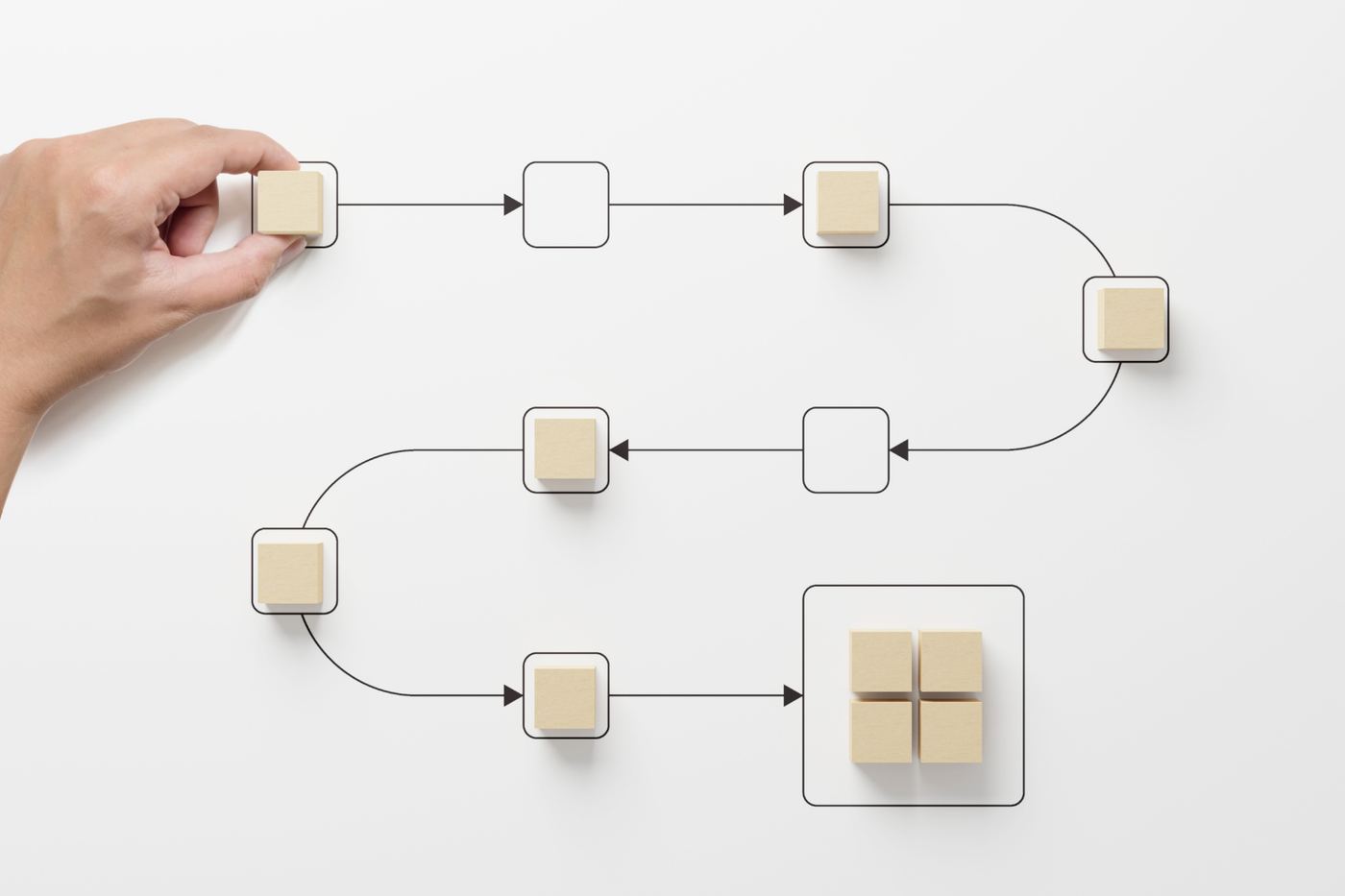
Workflow automation planning with business users
Operational AIApprovals, triage and document handling that depend on someone remembering.

AI Readiness

Assess current processes, risks, data maturity and the AI opportunities worth pursuing through a clear AI readiness workshop.

Copilot Governance

Prepare Microsoft 365, SharePoint, Teams, and security controls for responsible Microsoft Copilot governance and Copilot readiness.

AI Workflow Automation

Use AI workflow automation to support CRM, case management, document processing, reporting, email drafting, and operational workflows.

AI Knowledge Assistants

Create an AI knowledge assistant that helps staff search, understand, and use SOPs, policies, documents, and internal knowledge.

AI Training & Enablement

Deliver workshops to help leadership and staff understand safe, useful AI adoption across Microsoft-based systems.

AI we have already put to work

Examples of AI doing a defined job inside a client's own Microsoft environment, with people reviewing the results.

Incident image assessment

For an incident response organisation, responders upload images from an incident and AI analyses them. Technical teams get a faster starting point to review, instead of beginning from a blank page.

  • Built with AI Builder inside the incident management app
  • Specialists review every assessment before anyone acts on it
Read the case study →
What comes back
  • Type of materialIdentified from the images
  • Affected areasWhere the incident has spread
  • Environmental impactWhat is likely to be harmed
  • Response strategyA suggested response to review

An HR policy assistant

An AI assistant, built with Microsoft Copilot Studio, that reads a company's own SharePoint knowledge hub. Staff ask about policies in plain language and get advice drawn from the company's own documents.

Invoice processing with AI

Invoices are pulled from email and read automatically with AI Builder. Users review each one in an app, add the detail it needs, and send it to accounts for payment.

Business card capture

AI reads business cards after conferences and meetings and turns them into contact records, cutting manual entry for the whole team.

  • Built with AI Builder in the same platform
  • Contacts land straight in the CRM

Focused ways to
start safely

Every offer includes hands-on guidance, so your team can adopt AI with confidence. Start with the workshop if you are not sure where to begin.

WorkshopBest first step

Get AI Ready Workshop

A focused workshop for businesses that want to understand AI opportunities, risks, and next steps.

  • AI readiness assessment
  • Process opportunity mapping
  • Governance review
  • Risk identification
  • 30/60/90 day roadmap
Book a Get AI Ready Workshop
Copilot readiness

Copilot Governance Starter

For businesses preparing to use Microsoft 365 Copilot safely across Teams, SharePoint, Outlook, and operational documents.

  • SharePoint and Teams readiness review
  • Permission and data exposure review
  • AI acceptable use guidance
  • Governance recommendations
  • Adoption roadmap
Prepare for Copilot
Operational AI

AI Workflow Accelerator

For businesses ready to put AI into daily operations, including AI built into Power Platform.

  • AI-assisted CRM processes
  • Case and ticket triage
  • Document summarisation
  • Email and proposal drafting
  • Internal AI assistants
Explore AI Workflow Automation
Knowledge assistant

Procedures AI Assistant

For businesses with policies, procedures, and operational knowledge spread across documents.

  • Search your standard operating procedures
  • Process Q&A
  • Document summarisation
  • Staff self-service knowledge support
  • Answers drawn only from your own SharePoint and Microsoft 365 content
Build a Procedures Assistant

No hype,
no overengineering

We do not treat AI as a gimmick. We focus on where it can improve how you manage customers, handle cases, work with documents, share knowledge and communicate with clients, with clear scope and fixed milestones.

✓

Microsoft-first consultancy

Advice built around the Microsoft tools you already have: Microsoft 365, Copilot, Power Platform and Dynamics 365.

✓

Power Platform expertise

AI recommendations connected to your data, your workflows and the safeguards your systems already need.

✓

Governance-led delivery

Every recommendation considers safety, security, room to grow and value for money.

✓

Clear scope, fixed price

You know the scope and the price up front, and you get working systems and help getting your team to use them.

Questions about adopting AI safely

Straight answers on licences, data, cost and lock-in, before you ever get on a call.

Ask us something else
Do we need Copilot licences?

It depends on what we build. Depending on the solution, you may need Microsoft 365 Copilot licences, extra Copilot capacity or Power Platform licences. We confirm exactly what you need, and keep it lean, before you commit.

Is our data safe with AI?

An assistant can only draw on the documents and data you give it access to, and it works inside your own Microsoft 365 tenant. Before launch we review permissions, so nobody sees more than they should.

We are not sure where AI fits in our business.

That is what the Get AI Ready Workshop is for. We map your processes, risks and data, then give you a 30/60/90 day roadmap of where AI is worth trying.

Does our data need to be perfect first?

No, but it needs to be governed. The Copilot Governance Starter includes a permissions and data exposure review, so you know what AI can and cannot see before anyone uses it.

What will it cost?

A fixed price, agreed after a short discovery call and shaped around your budget. Support after launch is optional, and we agree it with you once the work is live.

Will we depend on you afterwards?

No. Everything we build for you is yours to keep and extend. Ongoing support is something you can add later if you want it.

Ready to explore AI safely?

Start with a focused AI readiness conversation. We will tell you where AI can create value for your team, and where it should wait.

  1. A 30-minute readiness callWhere AI could help, where the risks are, and what is worth trying first.
  2. The Get AI Ready WorkshopAn AI readiness assessment, a governance review and a 30/60/90 day roadmap.
  3. A fixed-price proposalAgreed scope and cost for the pilot, with any licences you need confirmed up front.